
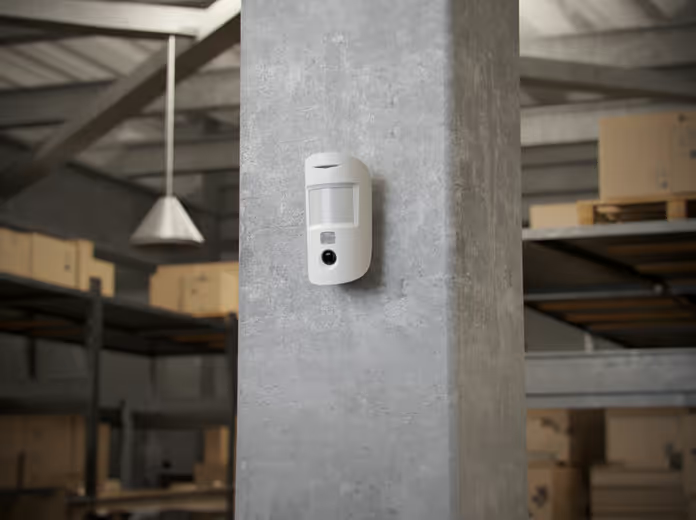
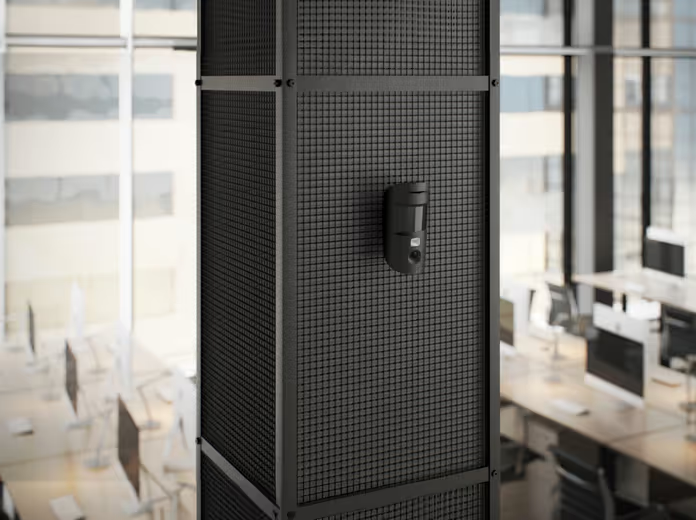
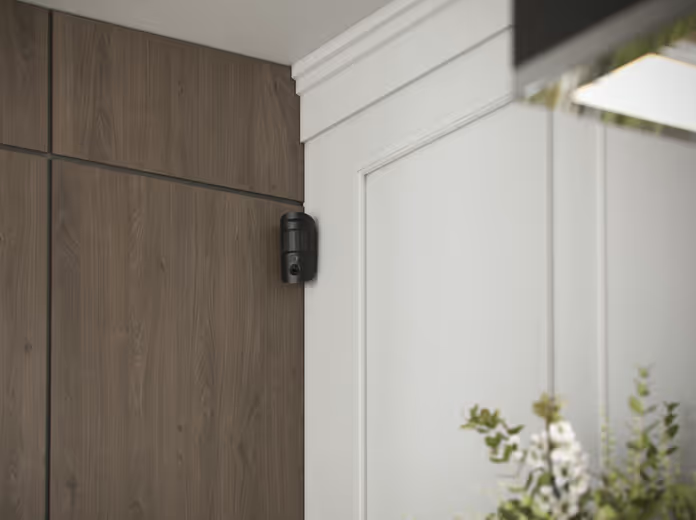
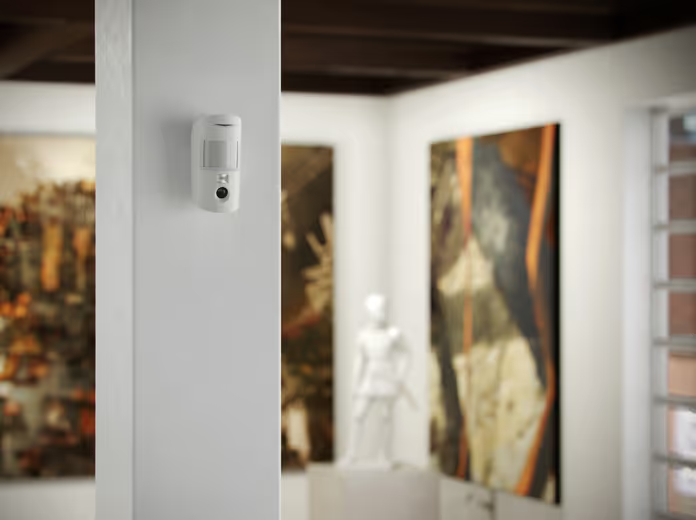
Lightning-fast alarms. Verified.
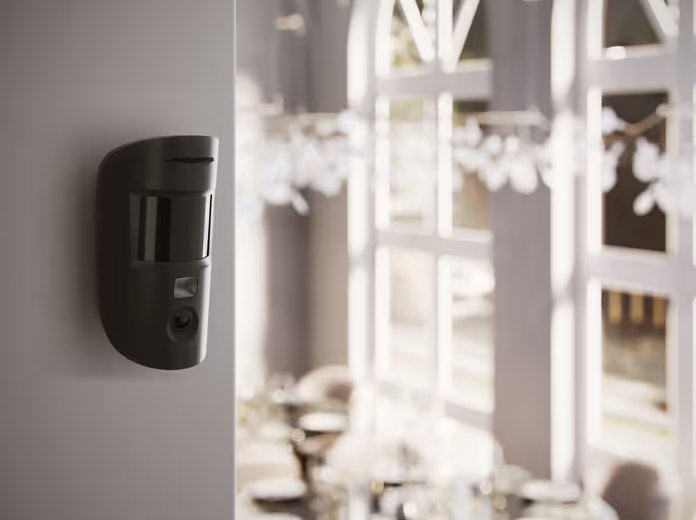
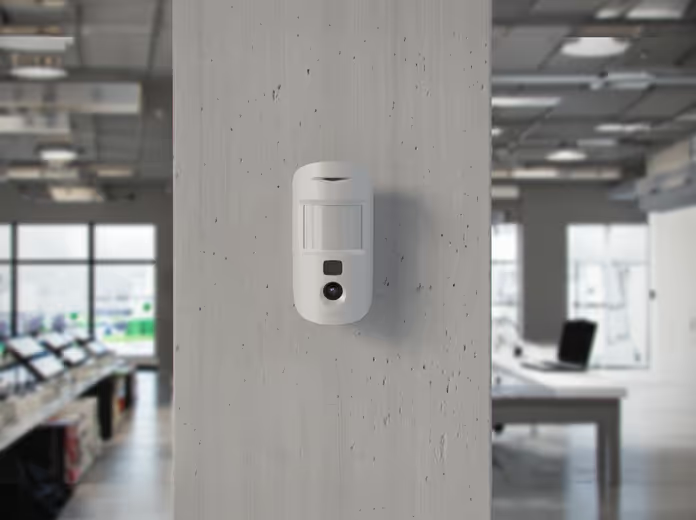
MotionCam (PhOD) Jeweller has a built-in camera that takes photos once the detector is triggered. It needs just 9 seconds to show the actual situation on the scene. With visual evidence available in Ajax apps, the security company can quickly verify the threat and respond accordingly. Photo verification relieves users of unnecessary anxiety and prevents security companies from false patrol calls. Users can take an on-demand photo with a single tap to monitor their house’s state at any time. The detector can also automatically take photos by an alarm of another device in the system, by a specific schedule, and by arming or disarming.
HDR for challenging lighting conditions
MotionCam (PhOD) Jeweller captures clear, balanced images using an advanced optical system, a CMOS sensor, and HDR (High Dynamic Range) technology. HDR improves colors and contrast by combining photos with different exposures into one. This prevents images from being too bright or too dark. As a result, photos look more colorful, detailed, and natural — just like we see things in real life.
Wireless motion detectors with photo verification in the security system
Motion sensors of the security system are designed to record the fact of unauthorized entry into the property under security. When the motion sensor is activated, its signal is transmitted to the alarm central via a wire or radio signal, depending on the type of system.
How motion sensors work
Motion sensors analyze microwave, ultrasonic, infrared and radio type radiation. If movement was noticed in the room, the sensor detects changes in the parameters of incoming waves and activates a certain reaction to the event. When triggered, the motion sensor sends data to the alarm control panel, informs the user, and initiates the activation of the siren.
Types of motion sensors
Motion sensors differ in:
- The type of reaction to alarm: these are ultrasonic devices, infrared, microwave and combined type.
- Place of installation: outdoor and indoor devices.
- Data transmission method — wireless or wired system.
- Wave processing and creation mechanism — active and passive models that process radiation at the input.
How to choose a motion sensor for a security system
In order to choose a motion sensor for alarming correctly, it is worth considering the features of the devices:
- First you need to choose the type of installation of the motion sensor — on the wall or ceiling. With the choice of location, the installation engineer will best help.
- The presence of immunity to animals, which helps to avoid false alarms on pets.
- Energy consumption level — the amount of electricity that the sensor consumes.
- The angle and radius of detection — this determines how large a territory the motion sensor can control.
- Customizable — adjusting the weight and height of the object to which you want to respond.
- The speed of the motion sensor’s response to an alarm.
- Case protected from opening and damage.
Wireless motion sensor from Ajax Systems — MotionCam (PhOD)
MotionCam (PhOD) is a wireless motion sensor from Ajax. MotionCam (PhOD) for indoor installation detects movement in a guarded room and allows you to take photos from the scene not only on alarm, but also on request. The MotionCam (PhOD) Jeweller motion sensor will show the current situation at the guarded object in seconds and dispel doubts in the event of an alarm. You can request a photo in one click in the Ajax application. Also, the sensor will automatically take a series of photos if it detects movement or a FireProtect 2 (Heat/Smoke) or FireProtect 2 (Heat/Smoke/CO) fire detector is triggered.
The principle of operation of the wireless motion sensor for MotionCam alarm (PhOD)
MotionCam indoor wireless motion sensor (PhOD) works with Ajax security system. The internal motion sensor communicates with the system control panel at a distance of up to 1700 meters, using two secure radio protocols — Jeweller for transmitting events and alarms and Wings. The second protocol is responsible for the transfer of photo data from the scene. MotionCam (PhOD) Jeweller is a wireless indoor motion sensor with photo verification support. The device detects movement in a guarded room using an IR sensor and detects moving objects with a temperature close to that of a human body. After the sensor detects movement, the built-in camera takes a series of pictures. Thus, the user can evaluate the event in dynamics. When the MotionCam wireless motion detector (PhOD) is triggered, the event is transmitted to the security system control panel, which starts scripts, turns on sirens, informs users and the security company about the alarm. Each MotionCam (PhOD) Jeweller motion sensor is recorded in the notification feed of the Ajax application. The alarm message also contains the room in which the sensor was triggered, the name of the control panel and the name of the device.
Photo on request
The MotionCam Motion Sensor (PhOD) Jeweler allows users to take pictures using the built-in cameras. Using the function, you can check the situation at the facility or simply monitor the condition of the house. Depending on the settings, a photo can be taken at any time or when motion sensors with alarm photo verification are armed. By default, Photo on Demand is disabled for system users. Users with the right to manage privacy settings (control panel settings, Privacy item) determine who can take and view on-demand photos, as well as which photo-verified sensors can be used for shooting. PRO-users of the system cannot manage privacy settings, but can take photos on demand if they have been granted such a right. Privacy settings do not apply to photos taken by sensors during an alarm. Event photos can be seen by all system users who have access to the system control panel’s event feed.
Photo according to the scenario
The “Photo by scenario” function allows you to create a scenario for motion sensors of the MotionCam series, according to which they will take pictures when other Ajax devices are alarmed. By default, Scripted Photo is disabled for all motion sensors. The feature can be enabled by a user with access to privacy settings. Users of PRO applications cannot manage privacy settings, but they can grant this right to system users. In the system settings, you can also specify when the photo-verified sensor can take pictures according to the scenario: when the MotionCam (PhOD) Jeweler is armed or at any time. Scenario photos are available to all users of the security system who have access to the event feed. A photo event when other devices are alarmed is sent to the control panel of the security company.
Photo according to the scenario
The “Photo by scenario” function allows you to create a scenario for motion sensors of the MotionCam series, according to which they will take pictures when other Ajax devices are alarmed. By default, Scripted Photo is disabled for all motion sensors. The feature can be enabled by a user with access to privacy settings. Users of PRO applications cannot manage privacy settings, but they can grant this right to system users. In the system settings, you can also specify when the photo-verified sensor can take pictures according to the scenario: when the MotionCam (PhOD) Jeweler is armed or at any time. Scenario photos are available to all users of the security system who have access to the event feed. A photo event when other devices are alarmed is sent to the control panel of the security company.
Features of MotionCam Wireless Indoor Motion Detector (PhOD)
The MotionCam motion sensor (PhOD) has a number of the following features:
Working with Jeweler and Wings data transfer protocols
The sensor uses Jeweler technology for alarm and event transmission, and Wings for photo transmission. These are two-way wireless communication protocols that provide fast and reliable communication between a system control panel or repeater and connected system devices. The protocols support floating-key block encryption and device recognition at every communication session to prevent sabotage and sensor substitution. It is possible to control communication with system devices and their statuses in Ajax applications thanks to the central sensor polling system with a frequency of 12 to 300 seconds. The polling frequency is set by the user or PRO with administrator rights individually.
Photo delivery time
The alarm message is transmitted instantly. The time it takes for images to be delivered to the Ajax application depends on the Wings signal strength, Internet connection speed, image resolution, and connection to a repeater.
False alarm filter
In motion sensors, special optics are combined with a software false alarm filter, which, in combination with a professional installation, ensures high detection accuracy. The Fresnel lens in the design of the device provides the most informative thermal diagram. SmartDetect software algorithm filters out false alarms.
Data protection
The MotionCam (PhOD) Jeweler wireless motion sensor monitors the safety of system owners. Photo confirmations are protected from strangers at the level of the sensor, the security system and the Ajax application.
Thermal noise filter
The MotionCam (PhOD) Jeweler motion sensor instantly analyzes the thermal diagram read by the sensor: movement speed, time spent in the detection zone, infrared radiation intensity, heat spot size and other parameters.
Temperature compensation
Temperature compensation is a software mechanism that allows you to keep the thermal pattern contrast even if the temperature in the armed room is close to the temperature of the human body.
Motion Sensor Sensitivity Setting
Sensitivity adjustment allows you to adapt the sensor to the conditions of a particular room: pets, possible thermal interference. Increasing or decreasing sensitivity affects the false alarm filter. With the high sensitivity of the motion sensor configured, the device will react to any movement in the detection zone. If the sensitivity is low, the sensor is less likely to respond even to an active pet. Sensitivity is configured in the Ajax application remotely or on site.
Installation and configuration of the Ajax motion sensor
To install the sensor, you should use the services of an installation company. Ajax device installation services are provided by accredited partners. MotionCam Jeweler connects to the Ajax security system after scanning the QR code on the device body. The sensor housing does not need to be disassembled. The SmartBracket mounting plate allows you to mount the wireless sensor on a flat surface or in the corner of a room. Mounting the MotionCam Wireless Motion Detector (PhOD) at the optimum height in the correct location and perpendicular to the likely path of intrusion into the premises ensures an informative thermal diagram. Proper installation of the device significantly improves the accuracy of alarm detection. Professional installation also enhances the effectiveness of the sensor’s immunity to animals.

Atsauksmes
Pašlaik atsauksmju nav.